
Introduction
Maintaining your Mac keyboard is crucial for ensuring its optimal performance. Opening it might seem intimidating, but this guide provides clear-cut instructions to help you manage this task at home safely. We will navigate through identifying your keyboard model, collecting the necessary tools, and executing the correct method for opening and cleaning your keyboard.

Understanding Your Mac Keyboard Layout and Model
Every Mac keyboard offers a unique layout. Recognizing which model you own is the first step in handling it correctly.
Identifying Your Mac Keyboard Model
Start by identifying your keyboard model. Check the model number on the keyboard’s underside or find it in your Mac’s ‘About This Mac’ section. Use Apple’s support resources or a quick online search to gather any specific handling instructions. Knowing your model ensures you address its unique needs accurately.
Key Differences in Mac Keyboard Designs
Mac keyboards vary significantly across devices and generations. Desktop keyboards often feature full-sized keys, while laptop keyboards are more compact. Understanding design specifics helps anticipate what to expect when opening your keyboard.

Tools and Safety Precautions for Opening Your Mac Keyboard
With the right tools and safety measures, opening your Mac keyboard becomes straightforward. Correct preparation ensures a smooth process.
Essential Tools Needed
Gather these essential tools before starting:
– A small Phillips head screwdriver
– A keycap puller or a flat tool like a spudger
– Compressed air or a small electronics vacuum
– A microfiber cloth
– Rubbing alcohol or a gentle electronics cleaner
Safety Precautions to Consider
Safety is key. Adhere to these guidelines to protect yourself and your keyboard:
1. Turn off and unplug your Mac.
2. Discharge static electricity by touching a grounded metal object.
3. Use a static-free surface to safeguard small components.
These measures help keep your keyboard intact and the process hassle-free.
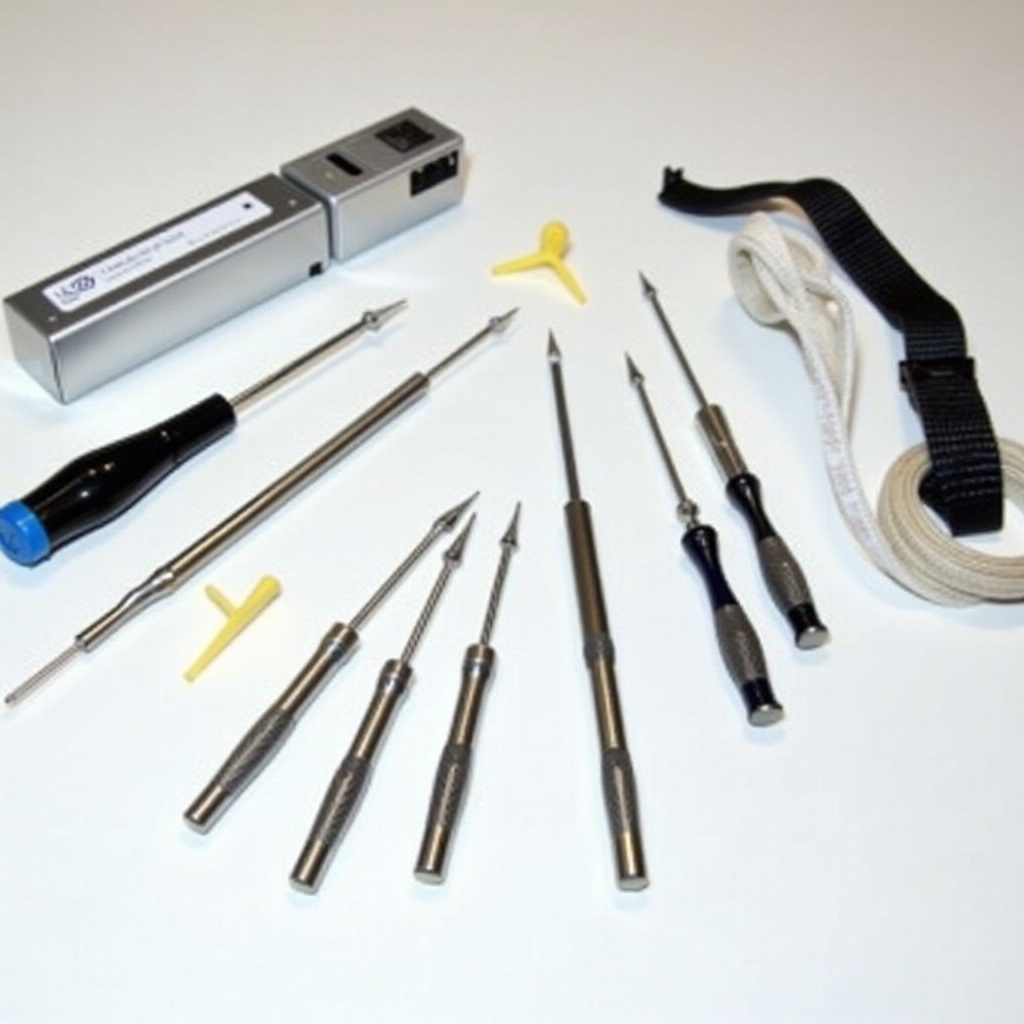
Step-by-Step Guide to Opening Your Mac Keyboard
Let’s explore how to open your keyboard. Follow these steps cautiously:
Preparing Your Workspace
Ensure your workspace is tidy. Organize tools within reach to maintain focus.
Detailed Steps to Remove Keycaps
- Use a keycap puller or flat tool to gently lift keycaps, avoiding excessive force.
- Place each keycap aside in an arrangement reflecting their placement to facilitate reassembly.
Cleaning and Maintaining the Interior
After removing the keycaps:
– Use compressed air to remove dust and debris.
– Clean components gently with a microfiber cloth dampened with alcohol.
– Check for loose connections or signs of wear needing attention.
Consistent maintenance preserves functionality and prevents issues.
Reassembling Your Mac Keyboard Properly
Once cleaned, focus on accurate reassembly to regain full function.
Checking All Components Before Reassembly
Inspect every component for damage or missing parts. Secure connections to ensure everything is ready for reassembly.
Ensuring Correct Placement of Keycaps
Affix keycaps back:
1. Press each keycap firmly into place, following the pattern from removal.
2. Test each key for proper placement and movement.
Systematic reassembly restores your keyboard’s condition, maintaining functionality.
Tips for Ongoing Maintenance and Care
Regular upkeep extends the lifespan of your keyboard.
Regular Cleaning Routine
- Wipe keys weekly with a slightly damp cloth.
- Schedule deeper cleaning every 3-4 months to prevent dirt accumulation.
Avoiding Common Mistakes
- Keep food and drinks away to minimize spill risks.
- Avoid harsh chemicals and excessive moisture during cleaning to protect internal components.
Implementing these tips keeps your Mac keyboard running smoothly, reducing the need for intensive cleanings.
Frequently Asked Questions
How often should I clean my Mac keyboard?
Perform surface cleaning weekly and deep cleaning every 3 to 4 months.
Can I open my Mac keyboard without professional help?
Yes, with the right tools and instructions, most users can safely open their Mac keyboard at home.
What should I do if a key is stuck after reassembly?
Remove the keycap and reposition it to ensure it is not misaligned. If necessary, clean beneath the keycap again.