
Introduction
Finding a SIM card stuck in your iPhone can transform a typical day into a frustrating ordeal. With your phone’s connectivity at risk, resolving the issue safely becomes top priority. This guide provides detailed steps to help you address the problem efficiently and prevent it from reoccurring.
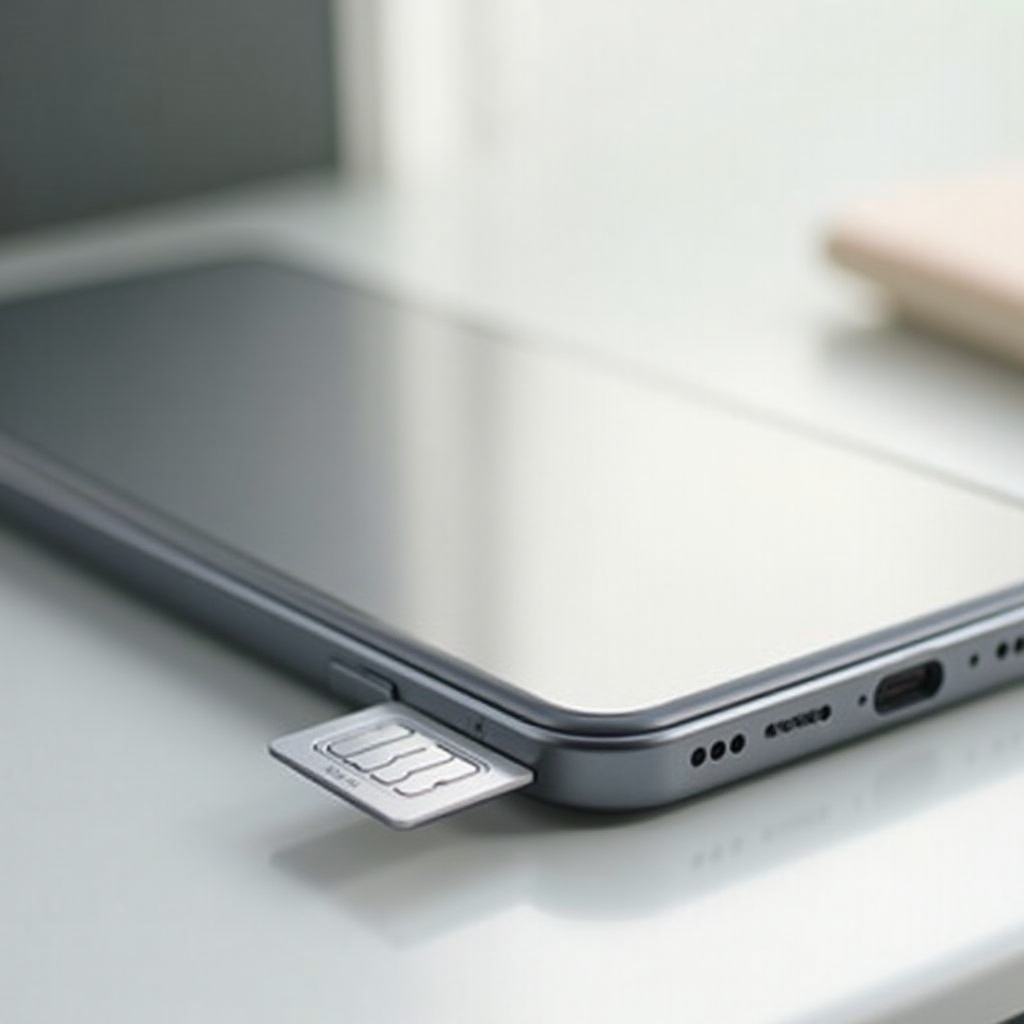
Understanding the SIM Card Slot on iPhones
Before tackling the removal, it’s important to familiarize yourself with the SIM card slot’s mechanics and location, which may vary among iPhone models. Understanding its role in securing connectivity helps lay the foundation for successful troubleshooting.
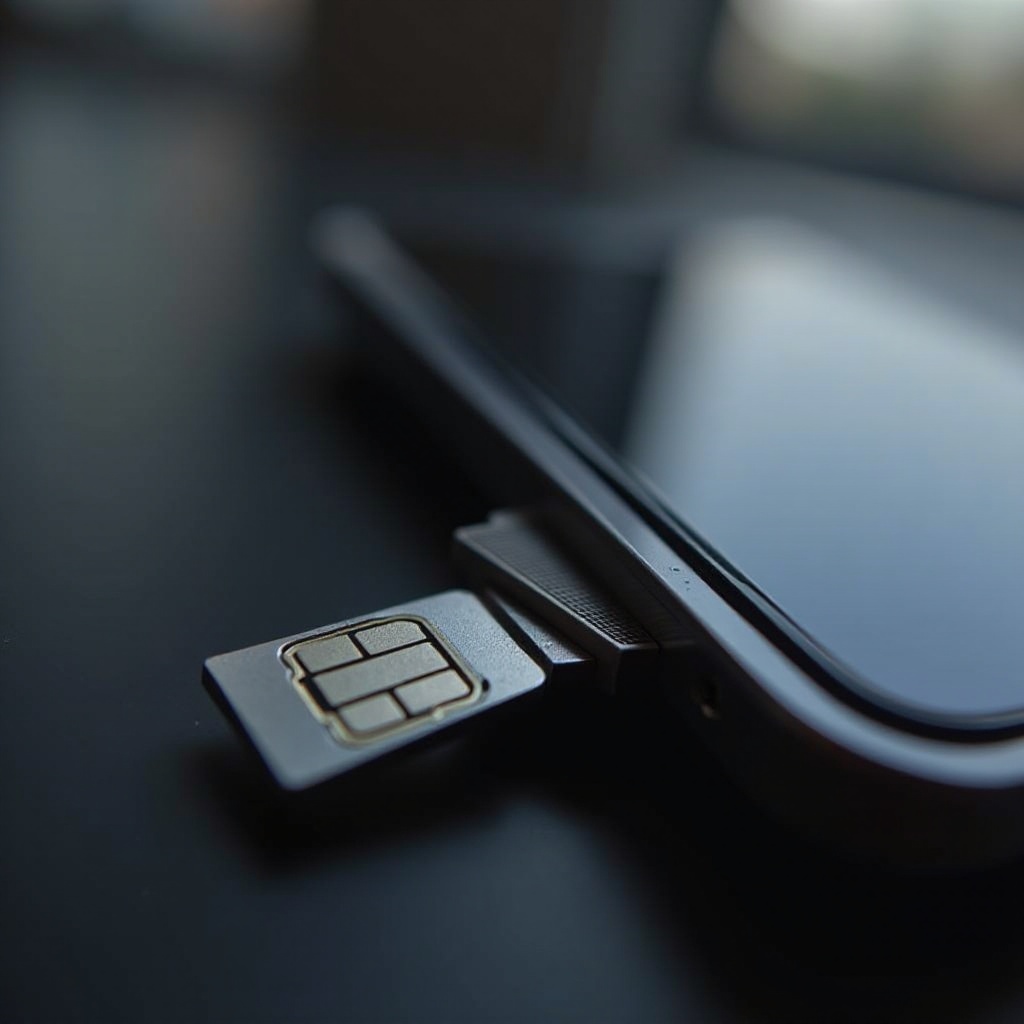
Causes of a Stuck SIM Card
Knowing why a SIM card might get jammed is pivotal for both removal and prevention. Common causes include:
- Improper Insertion: Incorrect seating can cause jamming.
- Debris or Dust Accumulation: Tiny particles hinder smooth operations.
- Damaged SIM Tray: Excessive force can deform the tray, leading to complications.
Recognizing these factors is the first step in determining the right course of action for fixing the issue.
Safety Precautions Before Attempting SIM Card Removal
Before attempting to remove the SIM card, ensure safety measures are taken to prevent damage. Start by powering off the device to safeguard against short circuits. Use a dedicated SIM eject tool or a properly shaped paperclip to avoid unnecessary harm.
Creating a clean, well-lit workspace is essential, minimizing the risk of losing small components or causing inadvertent damage.
Step-by-Step Guide to Removing a Stuck SIM Card
When ready, follow these sequential methods to free the SIM card:
- Use a SIM Eject Tool or Paperclip: Firmly but gently insert the tool into the eject hole adjacent to the SIM tray until it pops out.
- Try Alternative Tools: If unsuccessful, tweezers can be used with caution to coax out a partially ejected tray.
- Know When to Seek Help: Should these methods fail, further force risks damage, and professional assistance becomes necessary.
Applying these steps with precision enhances the likelihood of resolving the issue safely.
Troubleshooting Common SIM Card Issues
Post-aftercare is equally important to ensure the phone functions properly. Address frequent issues like:
- Bent SIM Card: Replace immediately for optimal performance.
- Damaged SIM Tray: Obtain a replacement to avert malfunctions.
- Potential Hardware Damage: Persistent problems may necessitate professional diagnostics.
These actions ensure the device remains reliable and performs effectively.
Preventative Measures to Avoid Future SIM Card Issues
Once resolved, taking preventative steps is crucial to avoid recurrence. Be cautious during future handling:
- Insert and Eject Carefully: Always use the correct tool and handle the tray gently.
- Routine Cleaning: Periodic cleaning with gentle compressed air prevents dust buildup.
- Protective Cases: Shielded devices help ward off environmental hazards.
Implementing these habits enhances phone longevity.
When to Consult Apple Support or Professional Repair Services
Certain issues demand expertise only professionals can offer. If attempts at resolution lead to further complications, or if unsure, consulting Apple support ensures appropriate care without voiding warranties or inflicting additional harm.
Conclusion
Dealing with a stuck SIM card doesn’t have to be a daunting task. By following this guide, you’ll navigate the issue effectively, ensuring your device remains unharmed and operational. Keep this guide handy for quick reference and prevention strategies.
Frequently Asked Questions
What should I do if I damage the SIM card while removing it?
If the SIM card is damaged, contact your mobile carrier to obtain a replacement immediately.
Can a stuck SIM card affect my phone’s performance?
A stuck SIM card can potentially lead to hardware issues if not addressed properly, affecting overall performance.
How often should I check and clean my SIM card slot?
Inspect and clean your SIM card slot every few months to ensure optimal performance and minimize dust accumulation.