
Introduction
The ‘No Signal’ message on your Sceptre TV can interrupt your viewing experience at the worst possible time. Whether it’s due to incorrect inputs, faulty cables, or other technical glitches, this issue can be resolved with systematic troubleshooting. This guide provides detailed steps to identify and fix the problem, ensuring that your TV is up and running without delay.
Understanding the ‘No Signal’ Issue on Sceptre TVs
When your TV displays ‘No Signal’, it means it’s not receiving any input from the source device connected. This could be due to several reasons like loose cables, incorrect input settings, or issues with the HDMI port. Identifying the underlying cause is crucial, as it directs the troubleshooting process and leads to a quicker resolution.
It’s essential to first understand how your TV interacts with connected devices. If there’s a disruption in this communication, you receive a ‘No Signal’ message. With this understanding, you can move on to addressing the problem effectively.
Initial Troubleshooting Steps
These steps involve checking basic elements often overlooked but can solve the issue almost immediately.
-
Verify Cable Connections and Power Supply
A loose connection can ruin your TV time. Double-check all cables, ensuring they are firmly connected. Make sure the TV and any connected devices like your gaming console or set-top box are powered on and functioning. -
Confirm the Correct Input Source
It’s common to have the TV set to the wrong input. Use the TV remote to cycle through available input sources (like HDMI1, HDMI2, AV, etc.) to ensure it matches the port into which your device is connected. -
Power Cycle the TV and Connected Devices
Restarting the TV and connected gadgets can resolve minor glitches. Turn off all devices, unplug them from the power source, wait 30 seconds, then plug them back in and turn them on.
These steps can sometimes resolve the issue instantly. If they don’t, more advanced troubleshooting is required.
Advanced Troubleshooting Techniques
If the ‘No Signal’ message persists, more in-depth solutions might be necessary.
-
Update Your Sceptre TV Firmware
Software bugs can cause signal problems. Check for and apply any firmware updates available for your TV. These updates often fix bugs and improve performance. -
Inspect and Replace Cables and Ports
Examine all cables and ports for signs of wear or damage. Replace any cables that appear damaged or are malfunctioning. Switching to another port can also help identify faulty ports on the TV. -
Conduct TV Diagnostic Tests
Utilize your TV’s built-in diagnostic tools. These can detect and sometimes even rectify errors related to both hardware and software, providing a path to further troubleshooting.
These advanced techniques are crucial for diagnosing deeper issues that simple checks can’t fix. If the problem originates from the external device, proceed to the next section.
Addressing External Device and HDMI Issues
You might discover that the ‘No Signal’ issue isn’t with your TV but with the external device or HDMI connection.
-
Troubleshoot HDMI Connection Problems
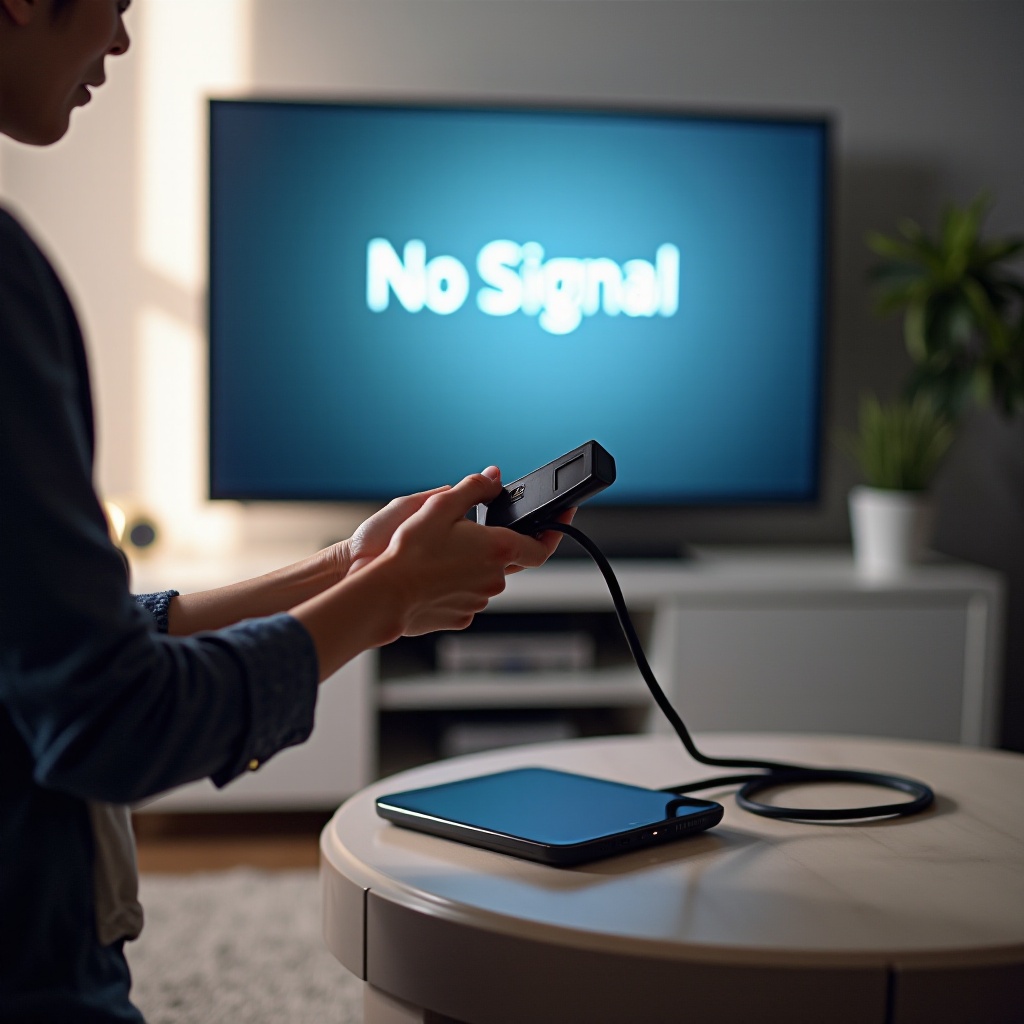
Use a different HDMI port or cable to see if the connection improves. A poor-quality or damaged HDMI can prevent signal transmission, leading to the ‘No Signal’ message. -
Resolve Set-Top Box and Streaming Device Issues
Check the functionality of the connected device by testing on another TV. If the device works elsewhere, it might not be the issue. But if it fails elsewhere too, you might need to replace or repair it.
HDMI ports and external devices can often be the weak link in the signal chain. Addressing these issues can promptly restore your TV’s functionality.
When to Consult Professional Services
If after performing all these steps, your Sceptre TV still shows ‘No Signal’, professional help might be needed. Sometimes, internal hardware issues or complex technical problems need expert diagnosis. Contact Sceptre’s support line or a professional technician to investigate the problem further. They can offer solutions or fixes beyond basic troubleshooting and, if under warranty, parts failure might be covered.
Conclusion
Addressing a ‘No Signal’ issue involves systematic checking, from power supply to cable inspection and device troubleshooting. By following the steps outlined above, you can often resolve the issue yourself. However, don’t hesitate to seek professional assistance if the problem remains unsolved. Ensuring a steady connection between your devices and TV is crucial for uninterrupted entertainment.
Frequently Asked Questions
Why does my Sceptre TV keep saying ‘No Signal’?
This message usually means there is a disruption in the signal from your input device. Check connections, input settings, and verify the functioning of all connected devices.
How do I know if my HDMI cable is faulty?
A faulty HDMI cable might show poor picture quality or no picture at all. If using a different cable improves quality, consider replacing the original one.
Can software updates resolve ‘No Signal’ issues?
Yes, updating your TV’s firmware can fix software bugs and compatibility issues that might cause ‘No Signal’ messages.