
Introduction
Experiencing an iPhone power button that isn’t working can be quite inconvenient. This button is crucial for turning your device on and off, activating Siri, and even taking screenshots. When it malfunctions, your routine can be disrupted. This guide provides detailed solutions to help you resolve these issues and maintain your iPhone’s efficiency.
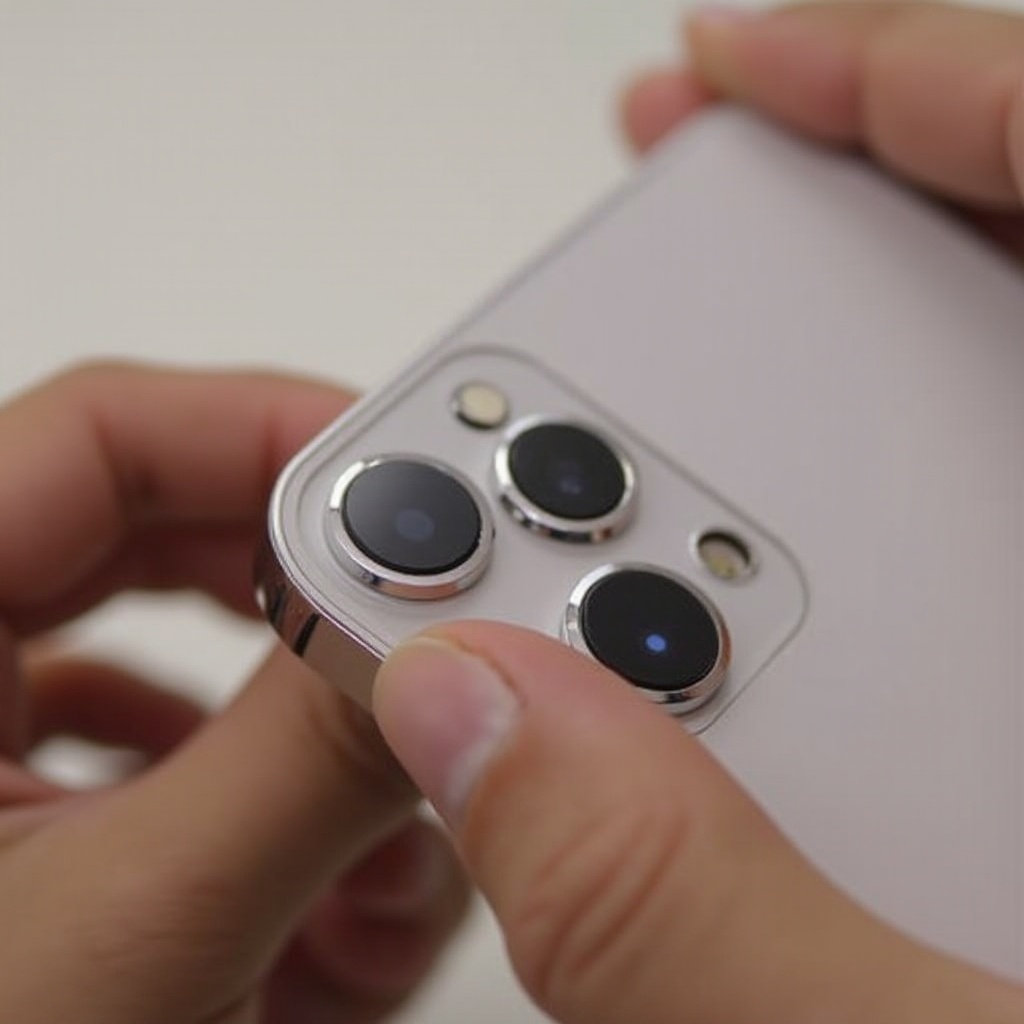
Common Causes of iPhone Power Button Malfunctions
Identifying the underlying causes of power button problems is crucial for effective troubleshooting.
- Physical Damage: Drops or impacts can lead to internal harm, affecting button functionality.
- Software Glitches: System bugs can occasionally render the power button unresponsive.
- Accumulation of Dirt and Debris: Dust gathering around the button can hinder its operation.
Recognizing these causes helps pave the way for troubleshooting, allowing users to approach solutions systematically.
Basic Troubleshooting Techniques
Implementing basic troubleshooting steps can often resolve power button issues quickly. Here are some strategies you can try:
- Clean the Power Button Area: Gently use a soft brush or cloth to clear any dirt around the button.
- Perform a Hard Reset: Press and hold the Home button and the Volume button until the Apple logo appears.
- Update Your iOS: Check that your device is running the latest iOS as updates can address bugs.
By focusing on these fundamental steps, many users find their power button becomes fully operational again, enabling normal usage.
Using AssistiveTouch as a Workaround
If fundamental troubleshooting doesn’t achieve the desired results, consider using AssistiveTouch as a temporary solution. This feature can replace most power button functions:
- How to Enable AssistiveTouch:
- Open Settings.
- Go to Accessibility.
-
Select Touch, then AssistiveTouch, and switch it on.
-
Functions Replaced by AssistiveTouch:
- Lock Screen
- Adjust Volume
- Access Siri
-
Take Screenshots
-
Customizing AssistiveTouch for Better Use:
- Adjust the menu items through Settings for quick access to frequent tasks.
AssistiveTouch is a valuable tool that allows uninterrupted device use while resolving power button issues in more detail.
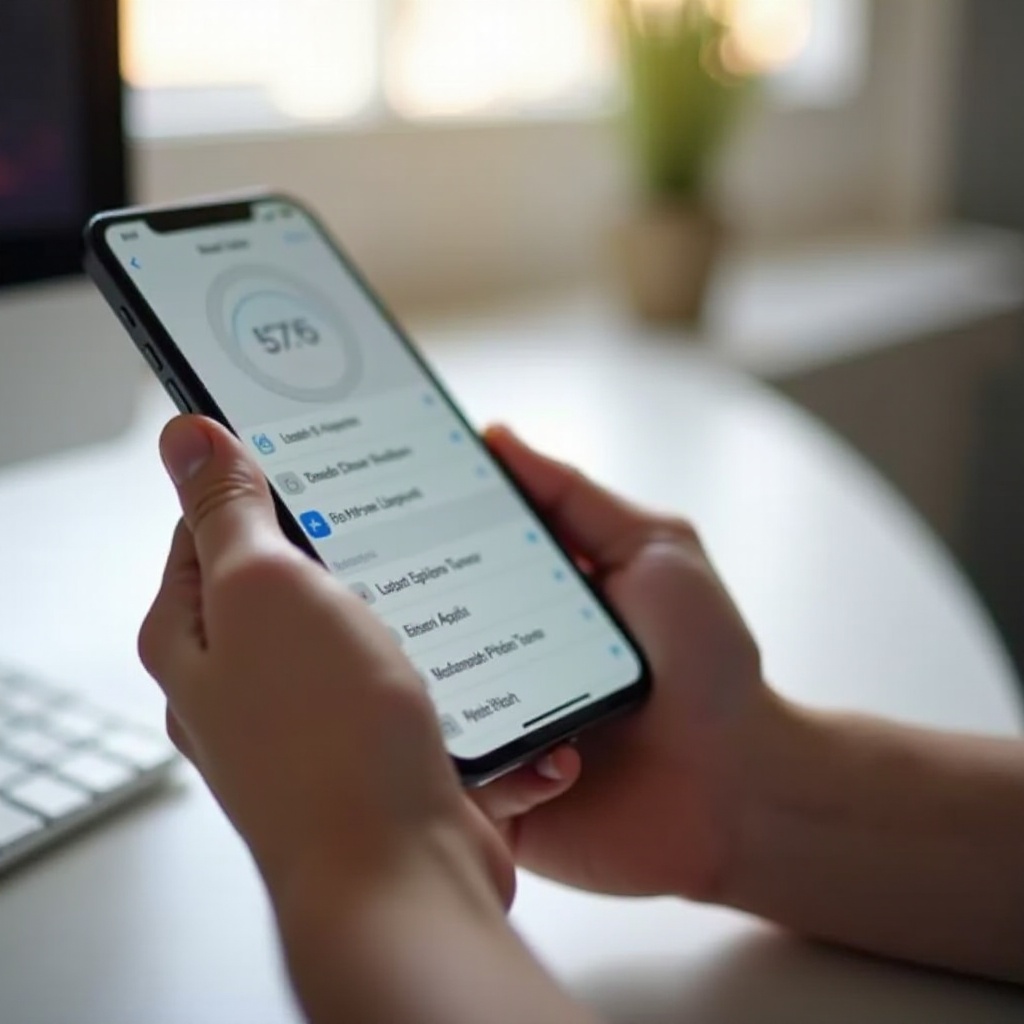
Advanced Solutions and Repair Options
If problems persist after basic interventions, exploring advanced solutions or engaging repair services could be necessary. Here’s what you can do:
- Backing Up Your iPhone: Before any repair, protect your data via iCloud or iTunes.
- Consulting Professional Repair Services: Authorized service centers can offer repairs or recommend parts replacement.
- DIY Repair Considerations: If you’re technically skilled, consider DIY fixes when your warranty is void, but follow detailed guides to avoid errors.
These advanced solutions provide effective ways to manage complex issues and return your device to proper working order.

Preventive Measures for Future Issues
Taking preventive steps ensures your power button remains functional in the long term:
- Tips for Maintaining Your iPhone: Use durable cases and screen protectors to safeguard against physical damage.
- Regular Software Updates: Keep your iOS version current to maximize device performance and stability.
- Protective Accessories: Consider using dust plugs to keep the button area clean and responsive.
Incorporating these measures enhances the longevity and dependability of your iPhone, helping you avoid future frustrations.
Conclusion
Maintaining an operable power button is essential for your iPhone’s optimal use. This guide equips you with effective troubleshooting methods, alternative solutions like AssistiveTouch, advanced repairs, and preventive advice. If issues persist, remember that professional help is always available to ensure your device functions as it should.
Frequently Asked Questions
What Should I Do If My iPhone Won’t Turn On?
Try charging your iPhone initially. If it remains unresponsive, connect it to a computer and use iTunes to restore it.
Is It Expensive to Fix an iPhone Power Button?
The repair cost varies based on warranty status and service provider. For accurate pricing, consult authorized repair centers.
How Long Does a Power Button Repair Take?
The repair duration usually ranges from an hour to a couple of days, depending on the service center’s schedule and issue complexity.